Everything a journalist needs, in one place.
Quick facts, screenshots, the boilerplate, and a way to reach a real human. Pull whatever you need. No form, no follow-up email.
 Black Highlighter
Quick facts, screenshots, the boilerplate, and a way to reach a real human. Pull whatever you need. No form, no follow-up email.
Two paragraphs. Lift them straight into your piece.
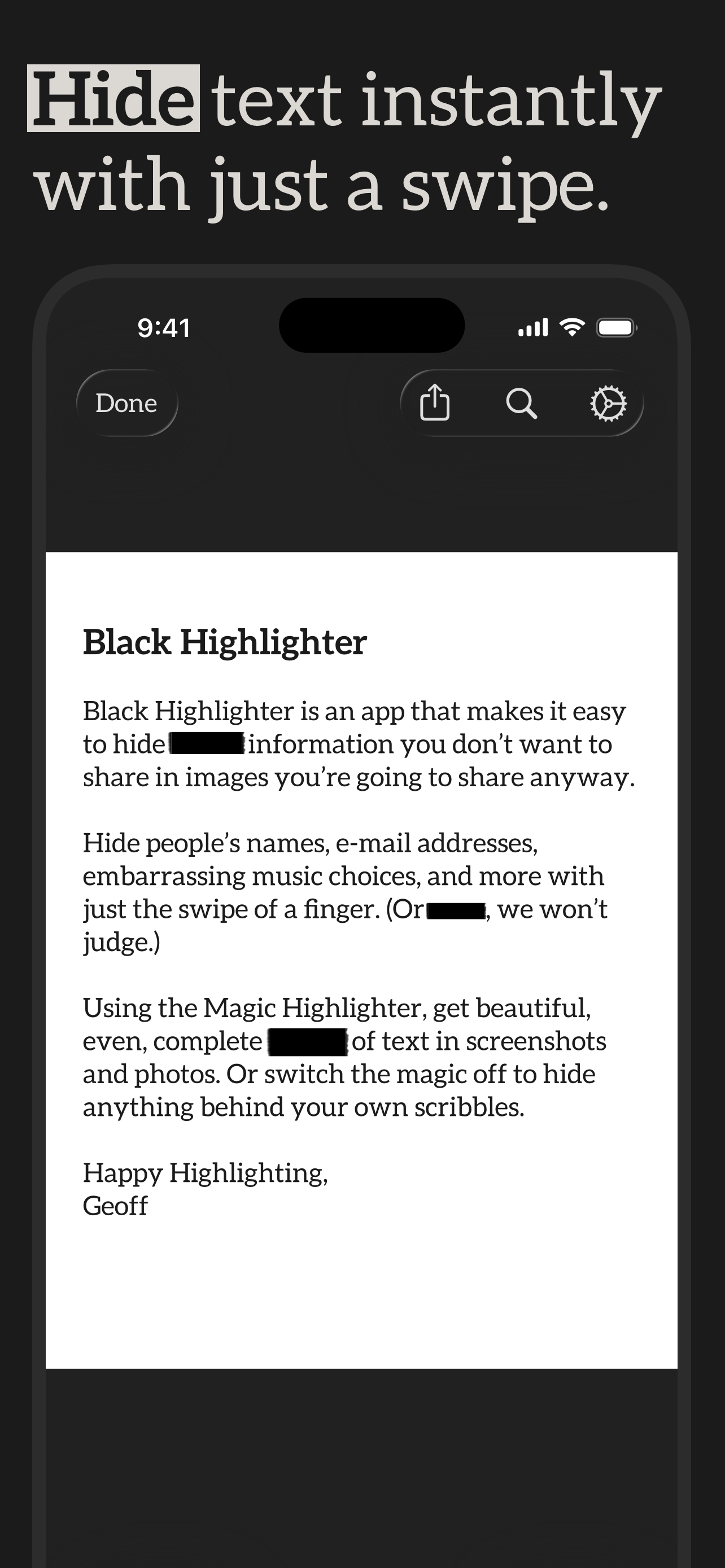
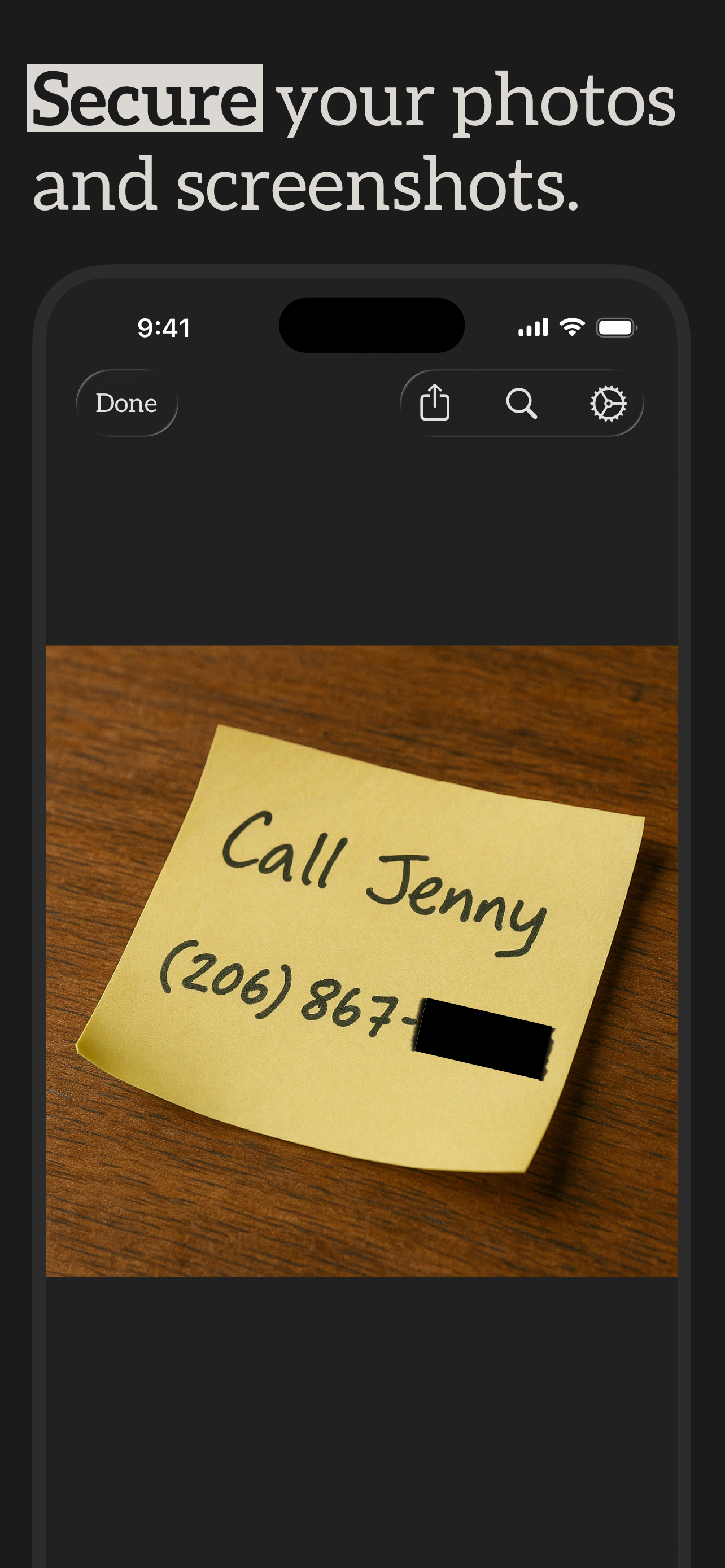
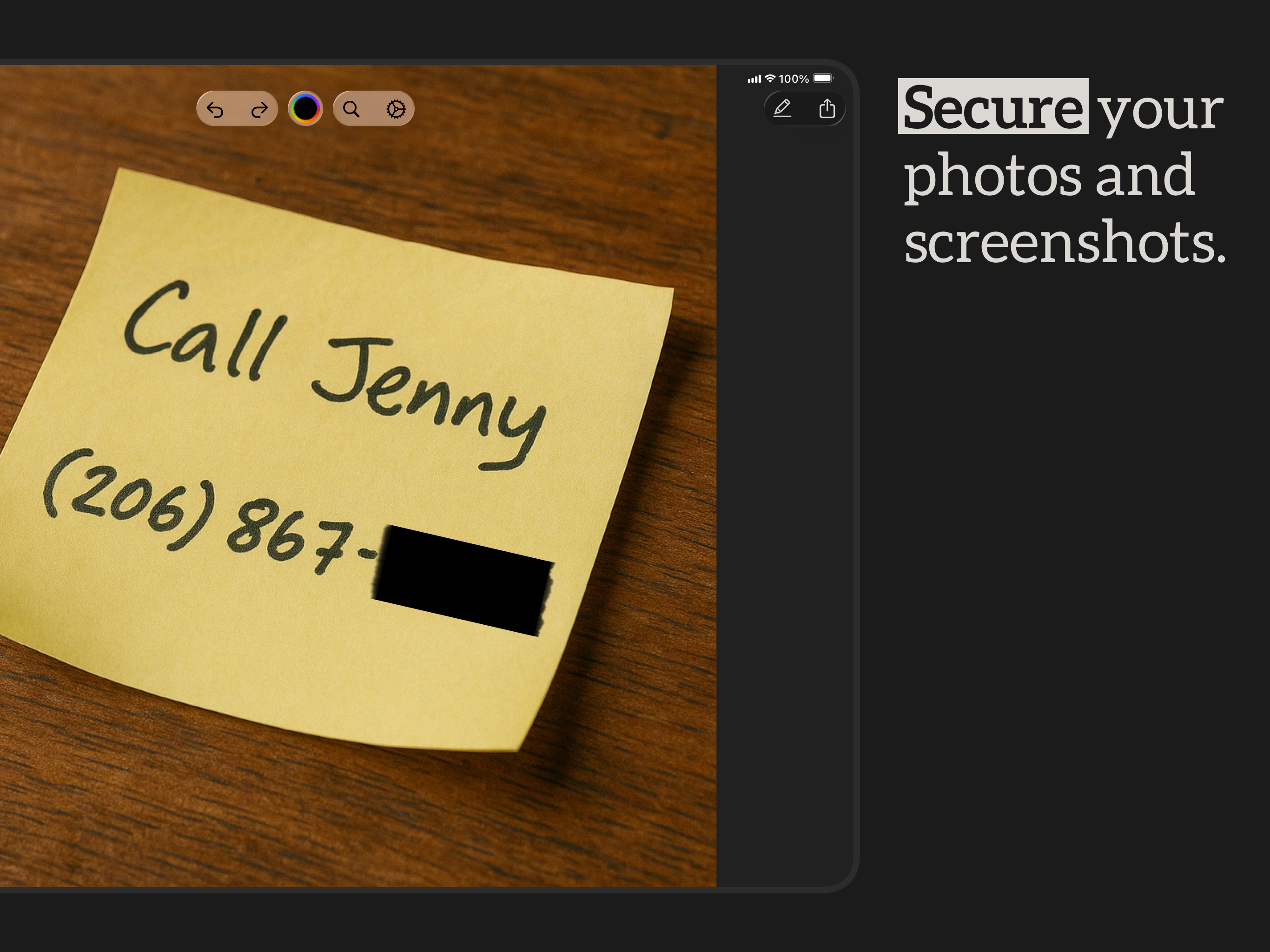
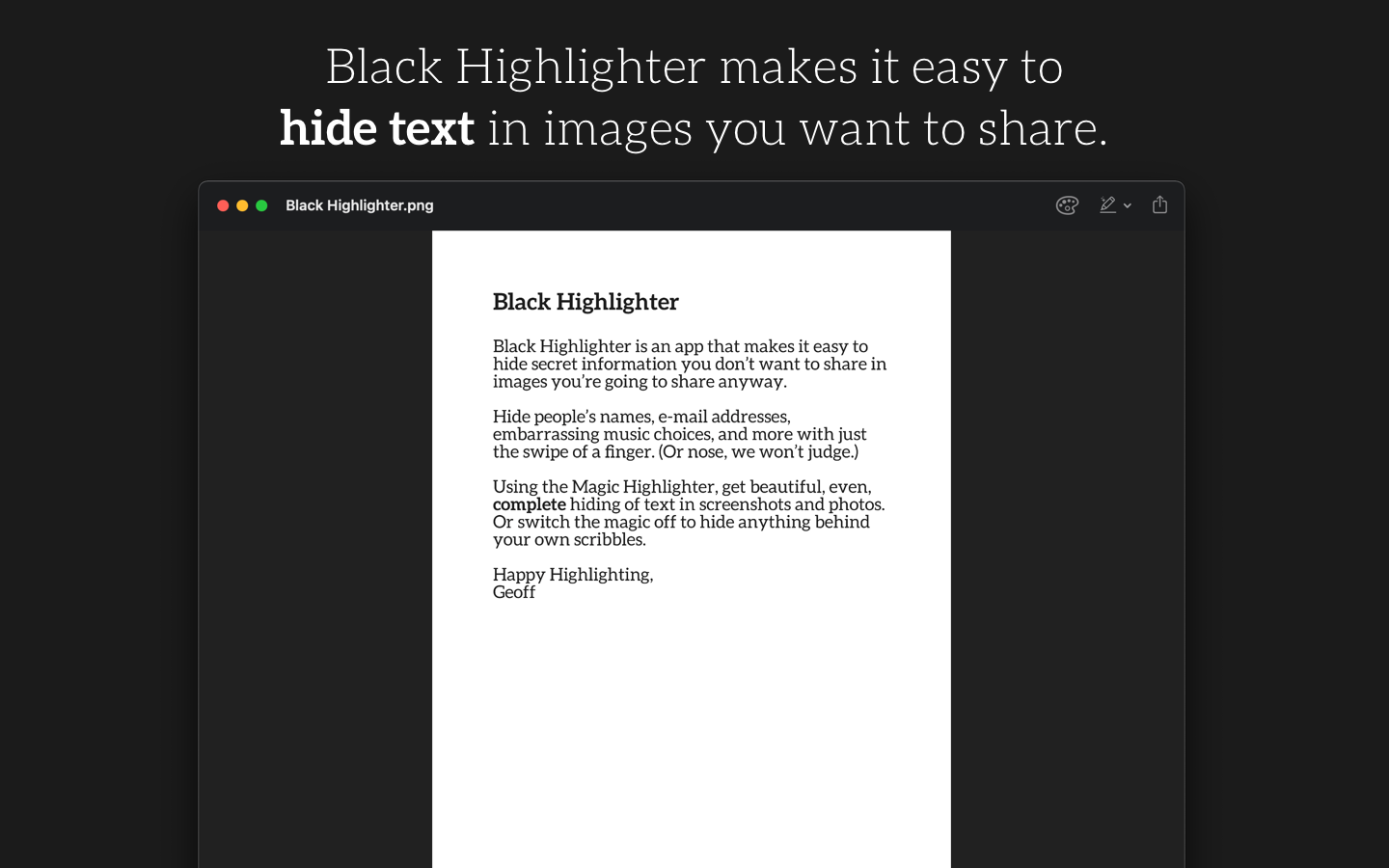
Black Highlighter hides text you don't want to share, in pictures you do. It's a redaction app for iPhone, iPad, and Mac that uses on-device machine learning to find names, emails, account numbers, and anything else in an image, and cover them up with neat black bars.
The redactions are flat pixels in the exported image. Nothing leaves your device. There's no subscription, no account, no cloud. Made by Geoff Pado, an indie developer in Seattle, under the name Cocoatype.
The first three ship with the free app. The last three unlock with the in-app purchase.
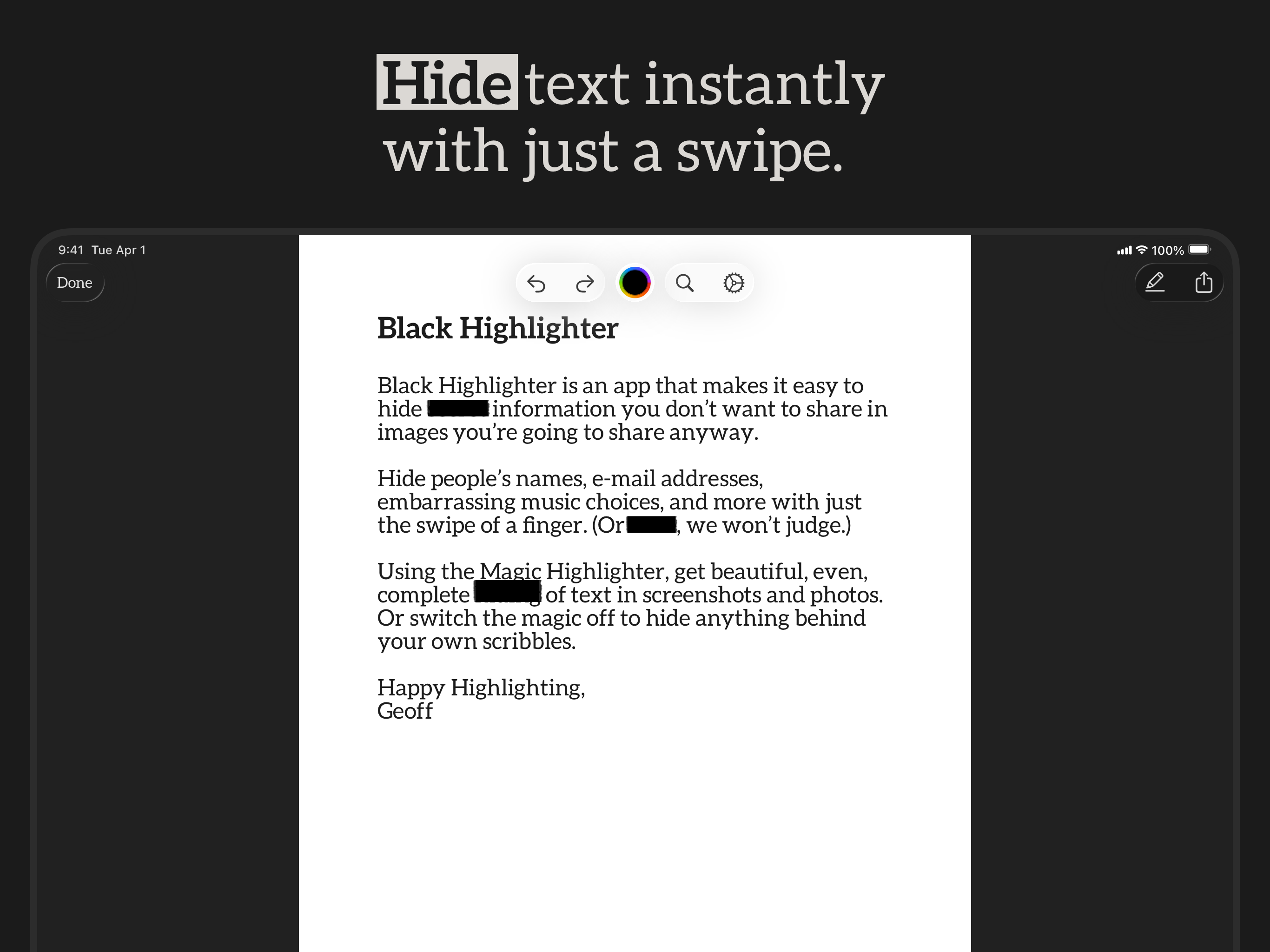
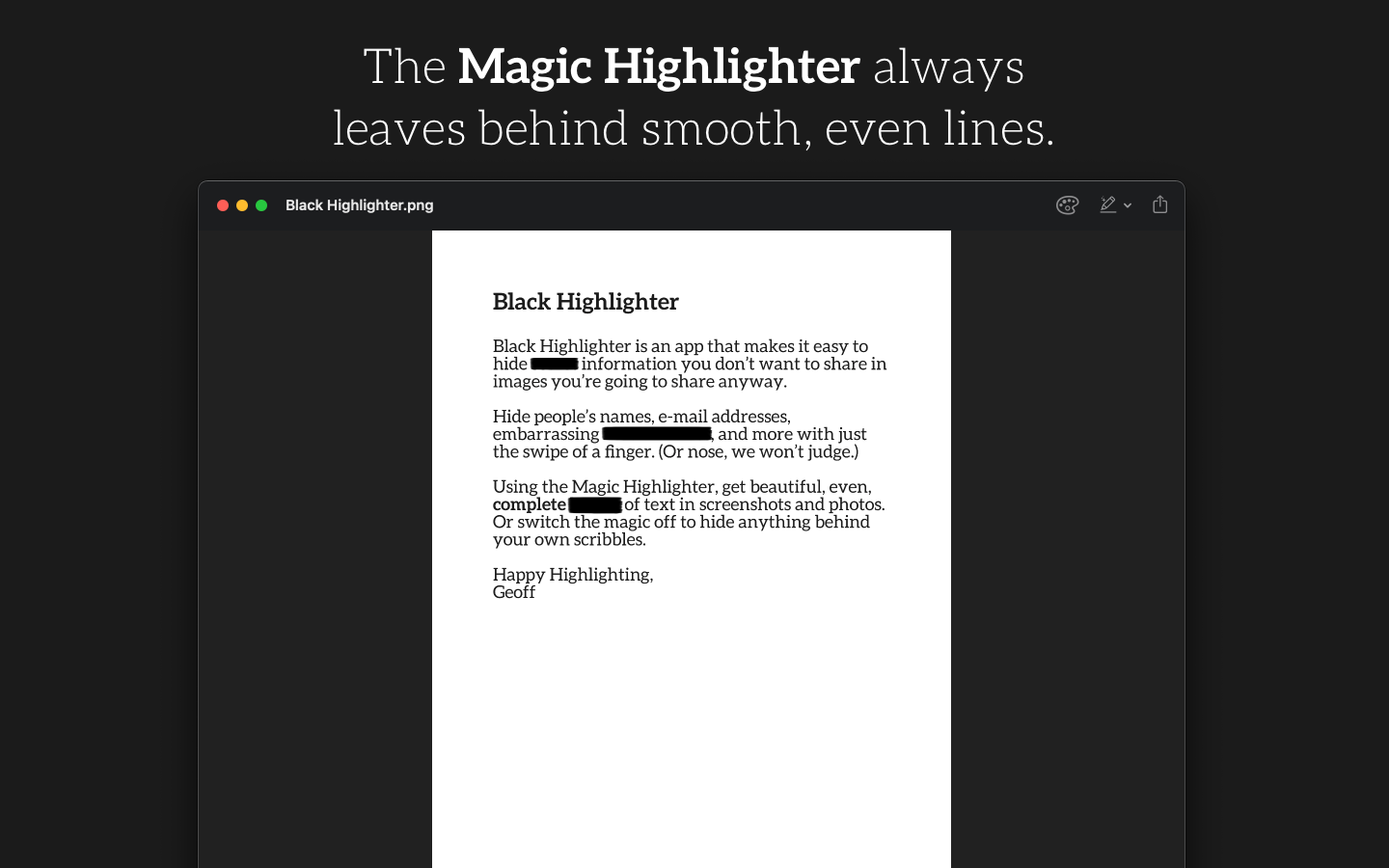
Snaps to detected text and covers it completely. Bars come out neat and even — and harder to guess at, because letter shapes don't show through.
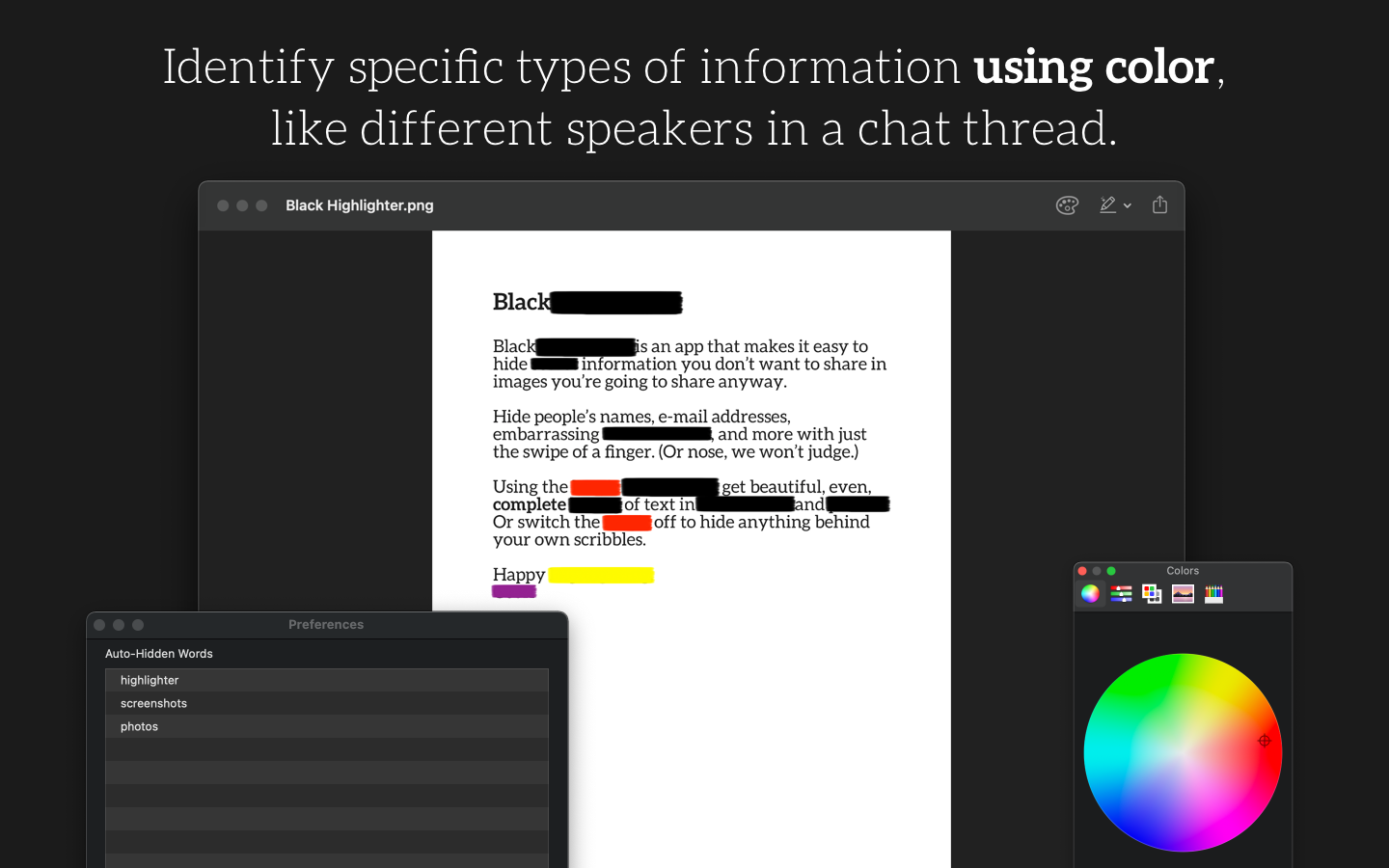
Use different colors to differentiate redactions — handy for distinguishing speakers in a chat thread.
One purchase, three platforms. Edit on whichever device you're on.
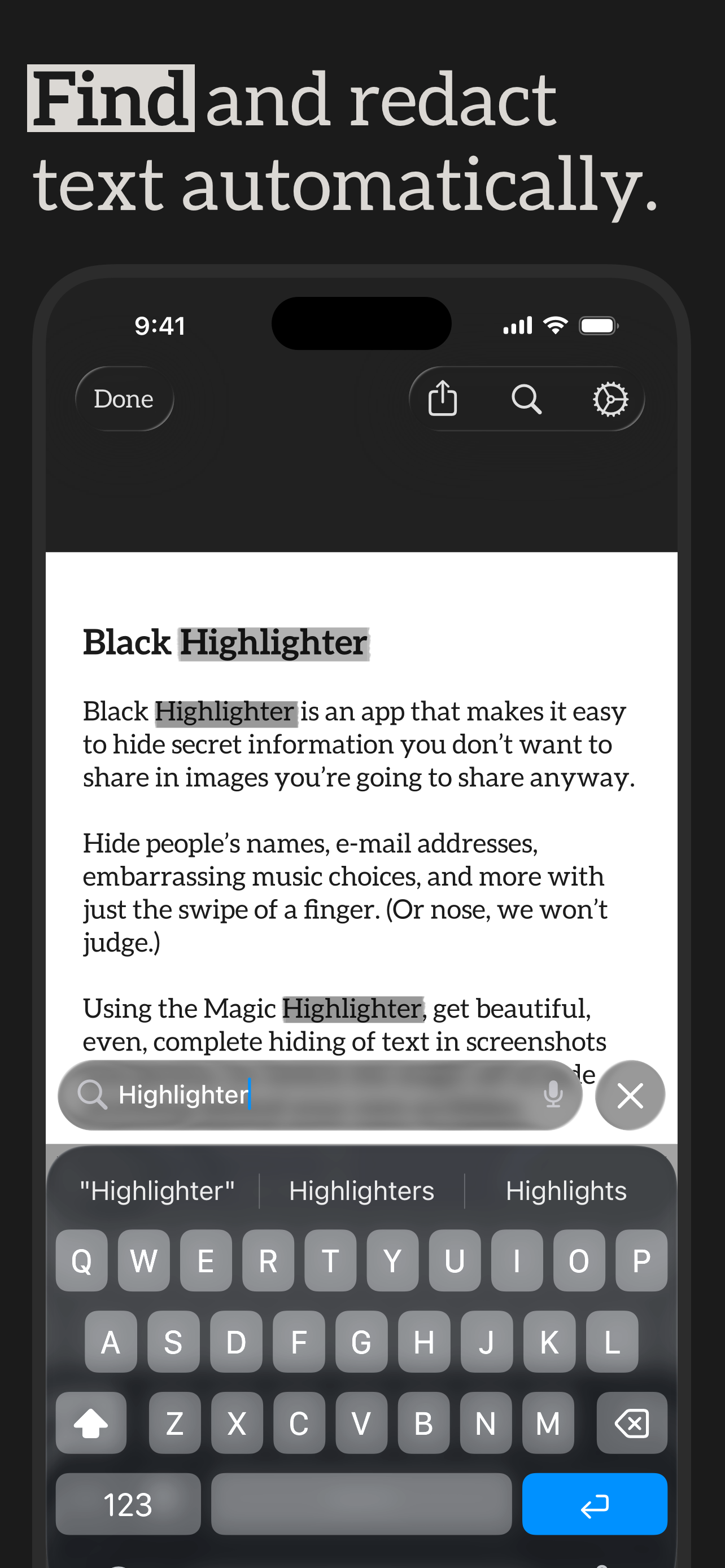
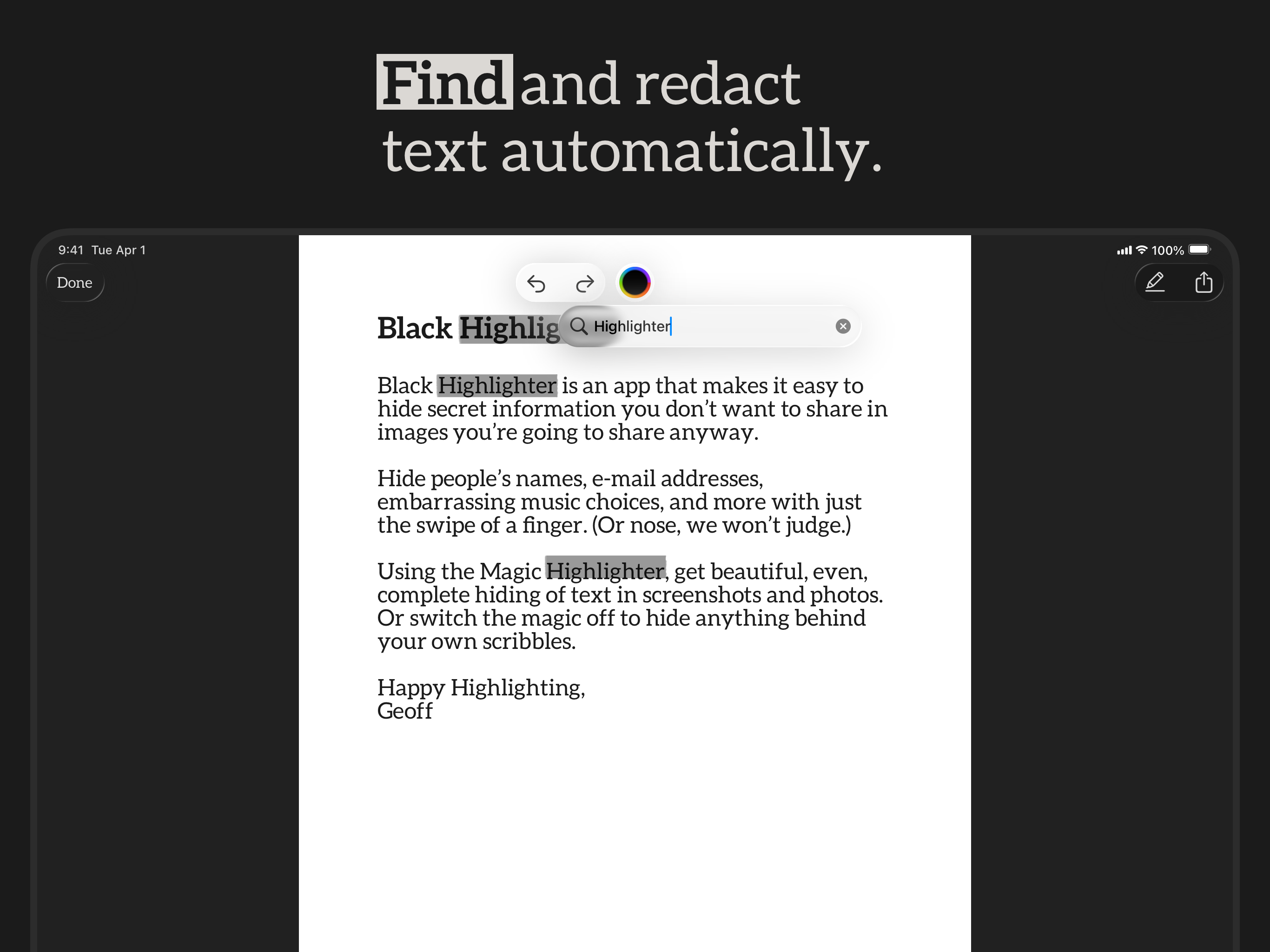
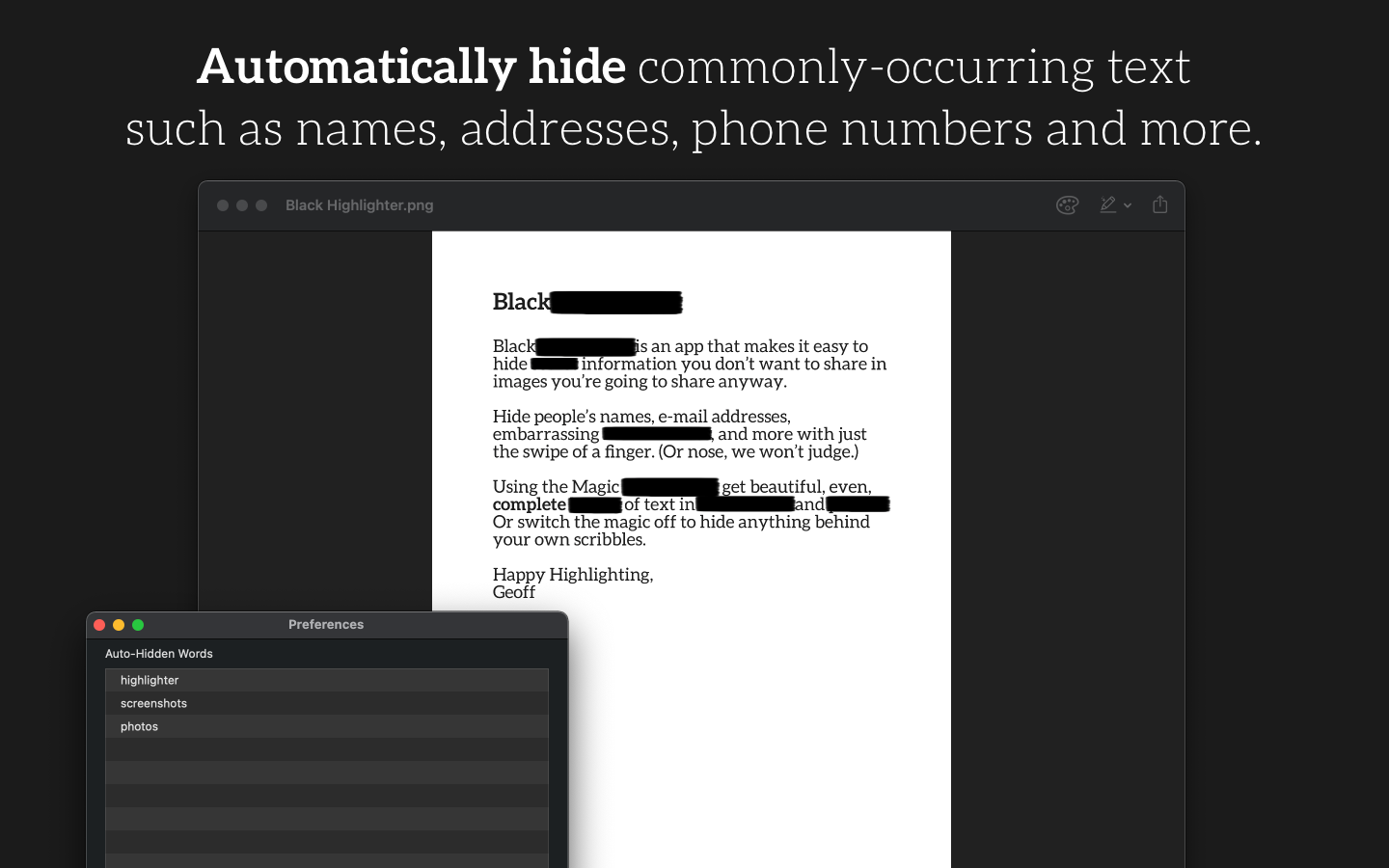
Save a list of words and phrases. Open an image and Black Highlighter finds and hides them for you — every time.
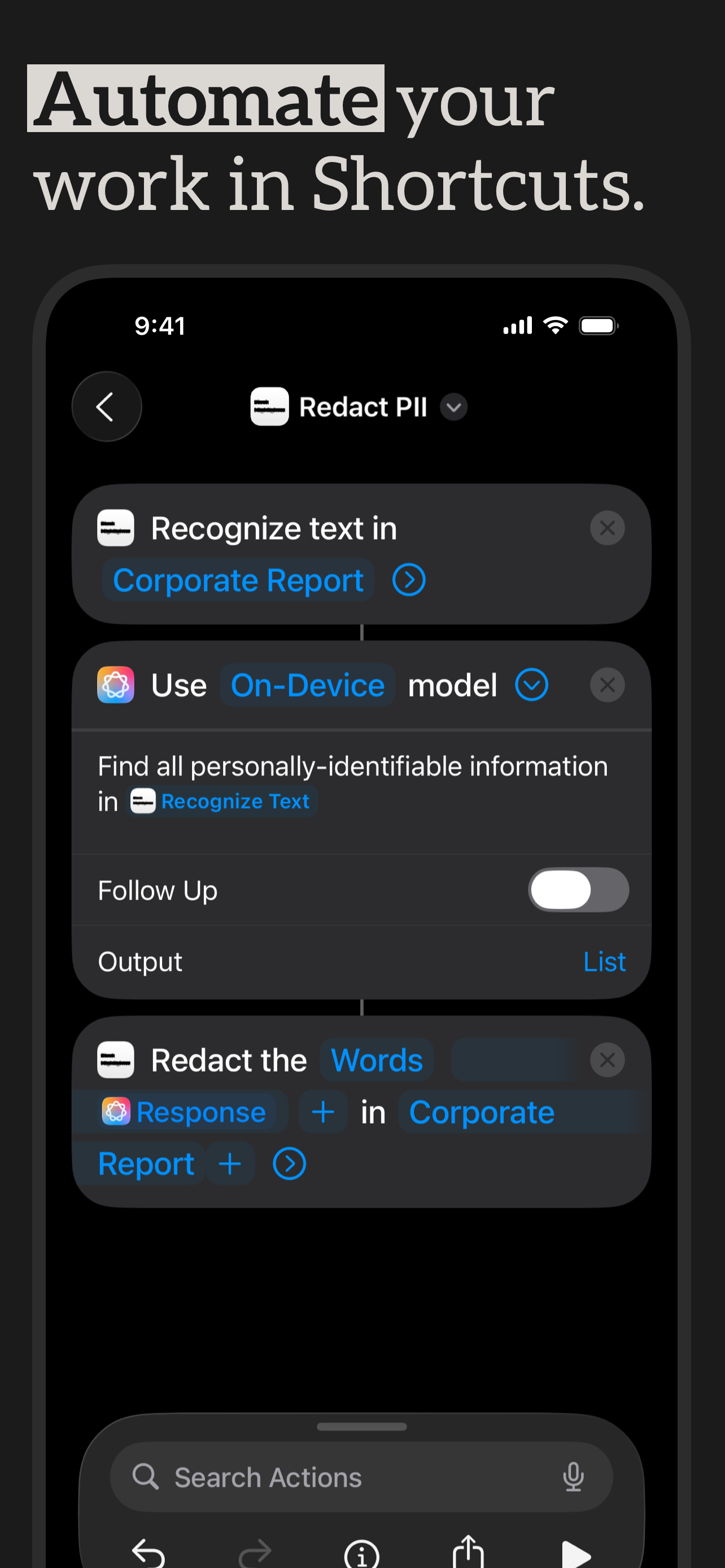
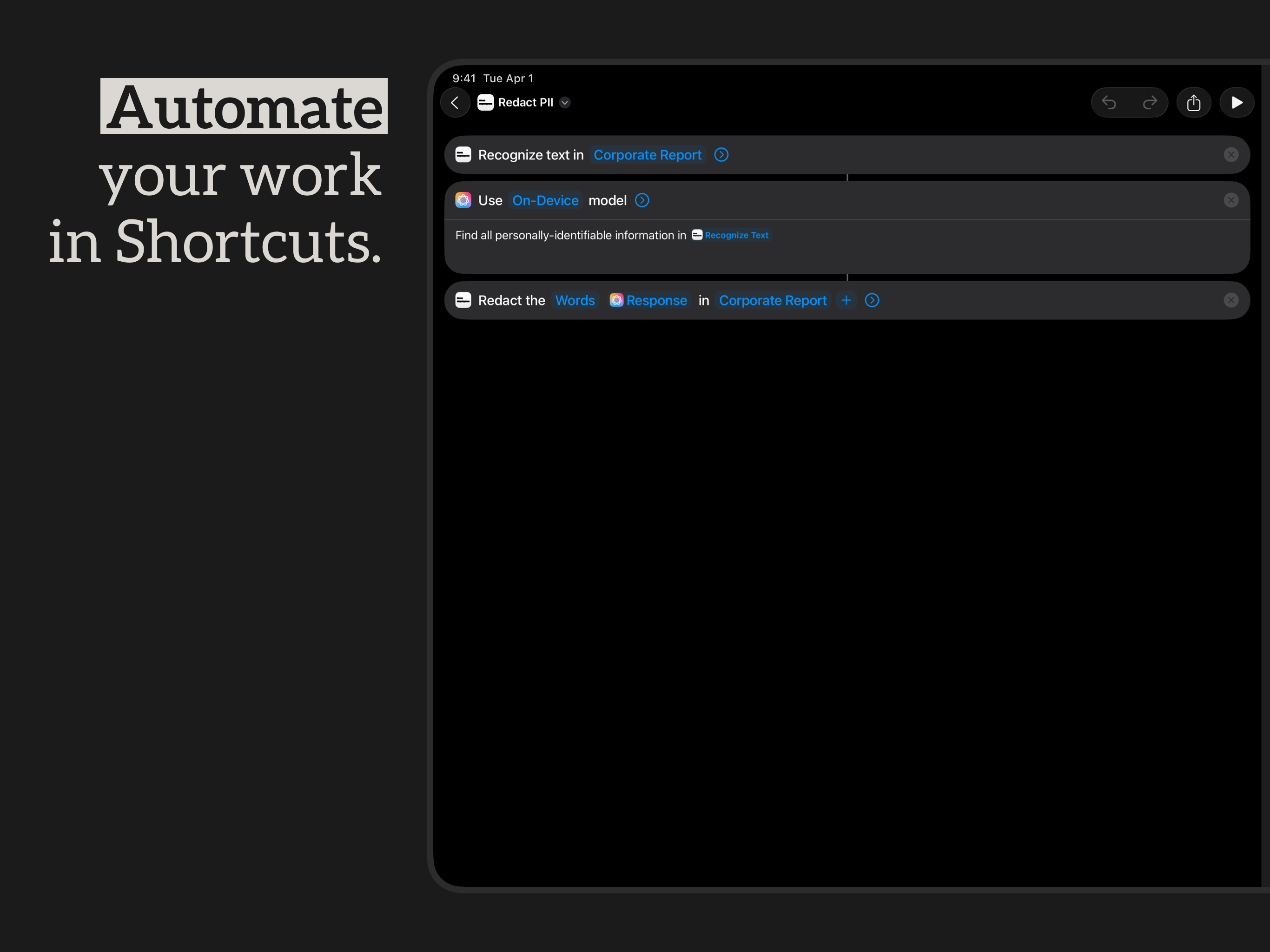
Hooks into Shortcuts on iOS and Automator on macOS so you can pipe images through redaction in larger workflows.
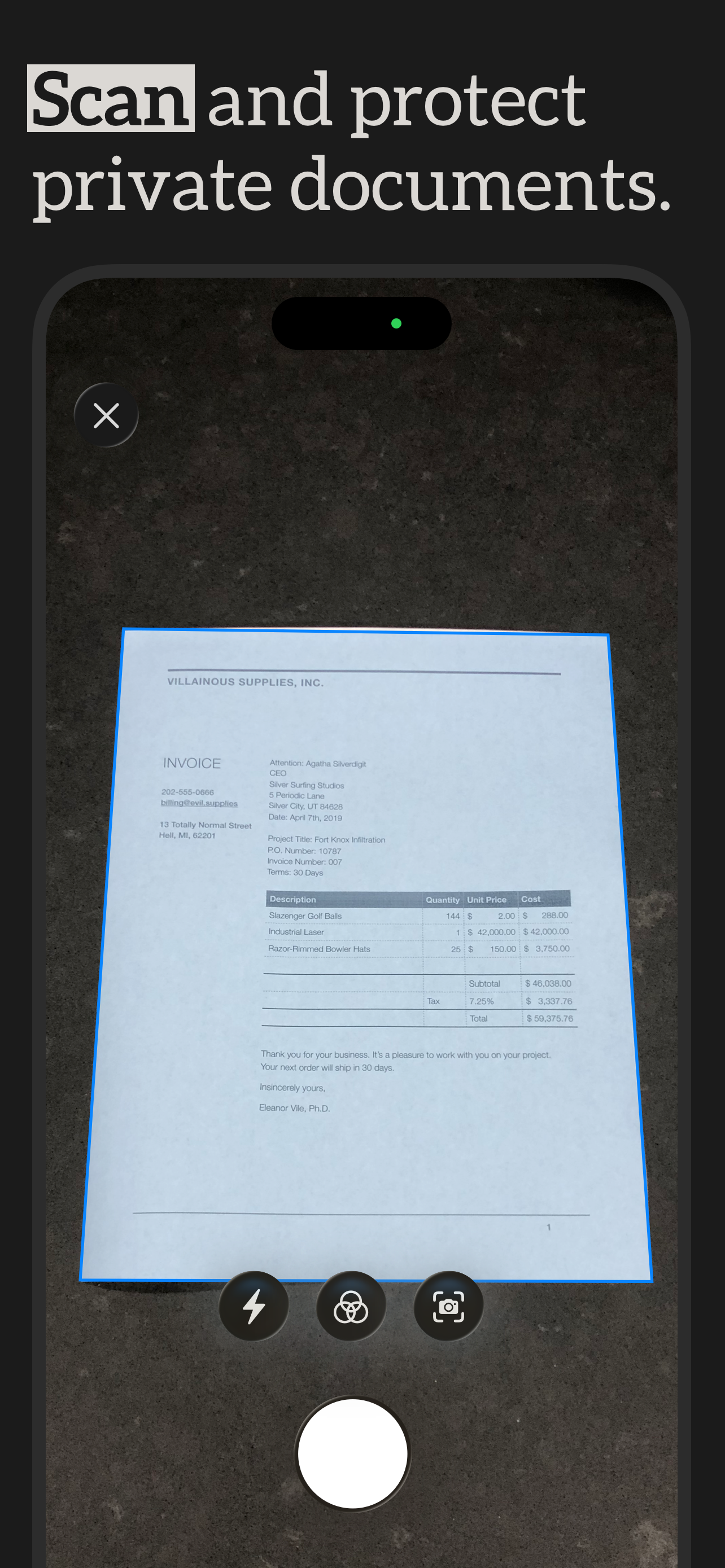
Scan a paper document with the same tech that powers Apple Notes — auto-cropped, deskewed, and ready to redact.
All paid features unlock with subscription or one-time in-app purchase.
Click any image to download the full-resolution PNG. Or grab the whole bundle from the top of the page.
Pre-approved description blurb. Use it verbatim or as a starting point.
Black Highlighter is a redaction app for iPhone, iPad, and Mac. It uses on-device machine learning to find text in images (such as names, emails, or account numbers) and cover it up with neat black bars. The redactions are flat pixels in the exported image; nothing leaves your device.
Free to download with a one-time in-app purchase or recurring subscription that adds automatic redaction, document scanning, and Shortcuts integration. Made by indie developer Geoff Pado as Cocoatype.
Last updated Jun 21, 2026
Specific screenshot, promo code, interview, or just want to chat? Email hello@cocoatype.com. Geoff usually replies within a day.